ChatGPT can write code. But is it the best tool for the job?
Not anymore. Coding with AI has changed a lot. Today's tools don't just suggest a line. They read your whole project, plan the work, edit dozens of files, run your tests and open a pull request while you grab a coffee.
So we rebuilt this guide from scratch. Here are the 11 best ChatGPT alternatives for coding in 2026, with real prices, a demo for each one, and honest pros and cons.
The Quick Version
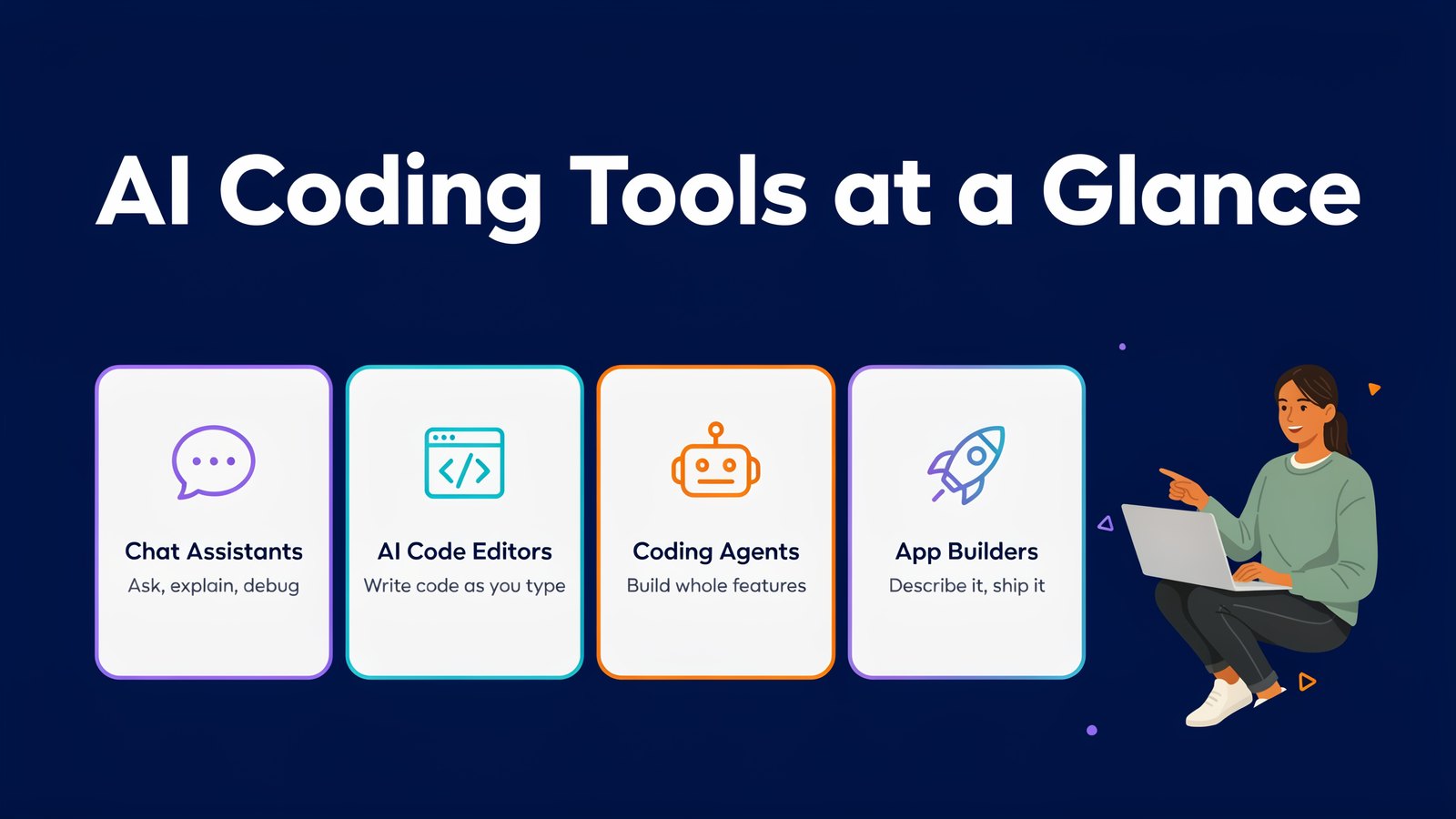
Short on time? Here's every tool side by side. Prices are the lowest paid monthly plan, checked on each official site in October 2026.
| # | Tool | Starts at | Free plan | Best for |
|---|---|---|---|---|
| 1 | AI Collective | $17/mo or $67/yr | No, 30-day refund | 50+ top AI models in one place |
| 2 | Claude and Claude Code | $20/mo | Yes | Deep reasoning and agentic coding |
| 3 | GitHub Copilot | $10/mo | Yes | Developers who live on GitHub |
| 4 | Cursor | $8/mo | Yes | An AI-first code editor |
| 5 | Google Antigravity | $19.99/mo | Yes | Running several agents at once |
| 6 | Devin | $20/mo | Yes | Handing off whole tasks to cloud agents |
| 7 | Kiro | $20/mo | Yes, 50 credits | Planning with specs before coding |
| 8 | Replit | $20/mo | Yes | Building and hosting apps in the browser |
| 9 | Lovable | $25/mo | Yes, 5 credits a day | Non-coders building web apps |
| 10 | Cline | Free, pay for the model | Yes | Open source and full control |
| 11 | JetBrains Junie | $10/mo | Yes, Junie Lite | IntelliJ, PyCharm and other JetBrains IDEs |
Now let's look at each one.
Why Look Beyond ChatGPT for Coding?
ChatGPT is a great all-rounder. It's still a fine place to ask a quick question or paste in an error.
But coding tools built for developers go further.
- They see your whole project, not just the snippet you pasted.
- They work inside your editor or terminal, so there's no copying back and forth.
- They can act on their own. Agents edit files, run commands and fix their own mistakes.
- They let you pick the model. Some models are better at planning, others at speed or price.
And no single AI model wins at everything. The smartest developers now switch between a few.
How to Choose the Right AI Coding Tool
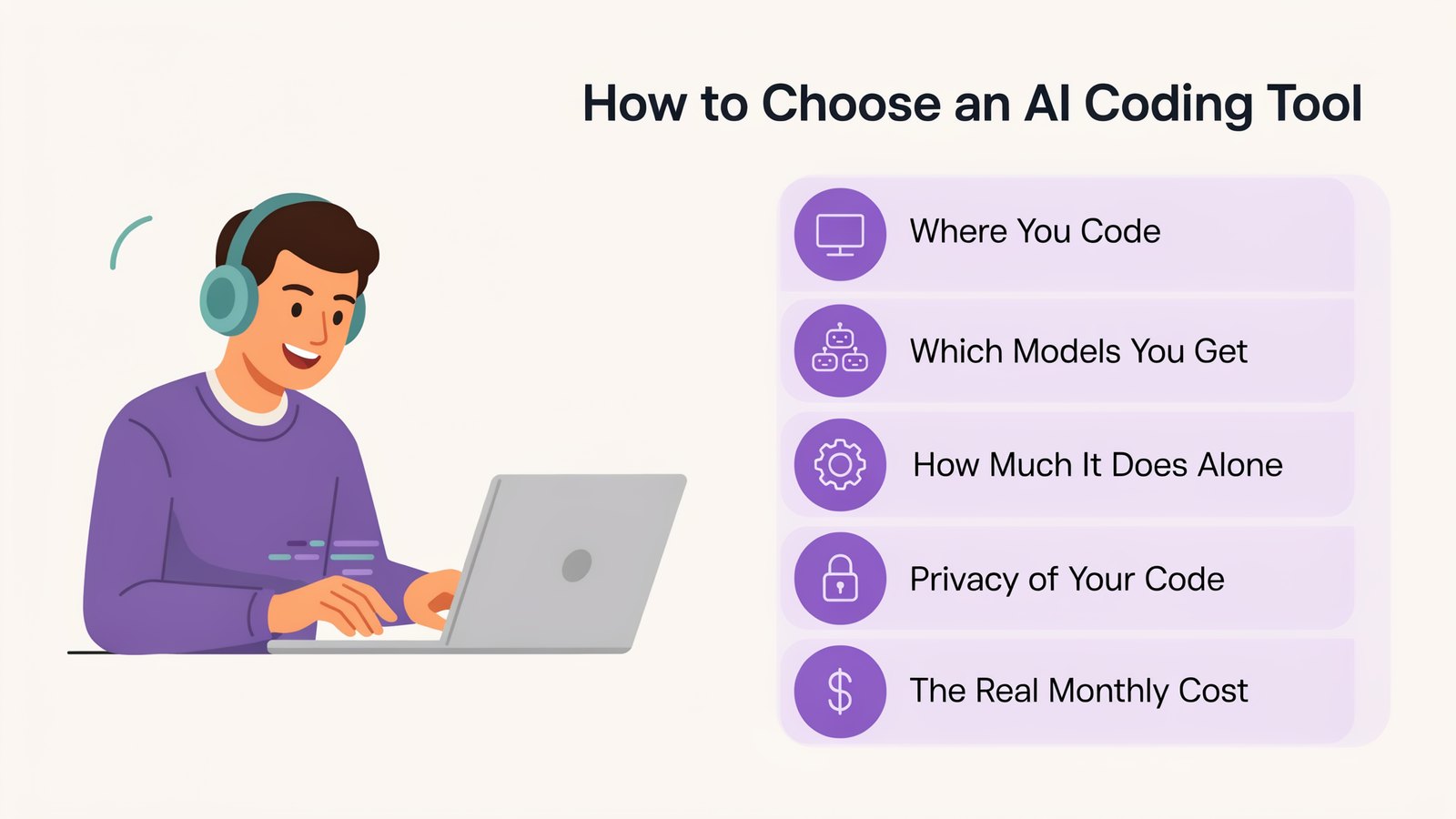
Before you pick, ask yourself five simple questions.
- Where do you code? VS Code, a JetBrains IDE, the terminal or the browser.
- Which models do you get? Access to several top models gives you better answers.
- How much should it do alone? Some tools suggest code. Others take a task and finish it.
- Is your code private? Check whether your code is used for training, especially at work.
- What will it really cost? Credits and usage limits run out fast on heavy days.
Keep those in mind as you read the list.
1. AI Collective
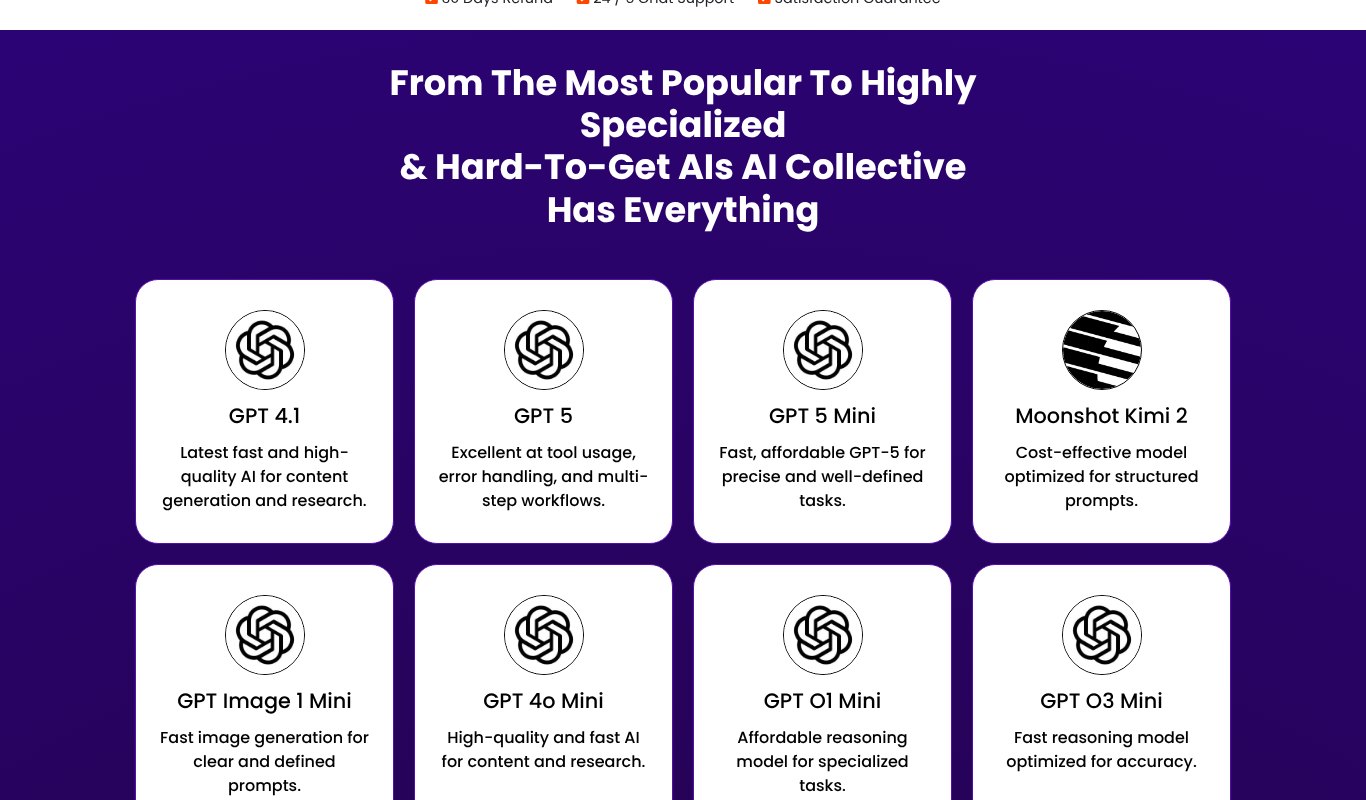
AI Collective is our own multi-AI app. Instead of paying for ChatGPT, Claude and Gemini separately, you get 50+ top AI models in one place, for one low price.
That includes GPT 5, Claude 4.5 Sonnet, Gemini, Llama 4, DeepSeek, Mistral, Qwen and many more. Pick the best model for each job, or tag several AIs in the same chat room and compare their answers side by side.
- 50+ AI models from all the leading AI companies.
- Multi-AI chat rooms where several models answer the same question.
- Writing, research and ideas for emails, posts, ads and reports.
- AI images for social media, blogs and marketing.
- One subscription instead of many.
Pricing
$17 a month, or $67 for a whole year, with a 30-day refund guarantee. That's less than a few months of a single AI subscription, for a year of dozens of models.
Pros
- 50+ top AI models for one low price
- Easy to compare answers from different AIs
- Covers writing, research and images too
Cons
- A multi-AI app, not a code editor
- No free plan, though the refund guarantee lets you try it safely
2. Claude and Claude Code
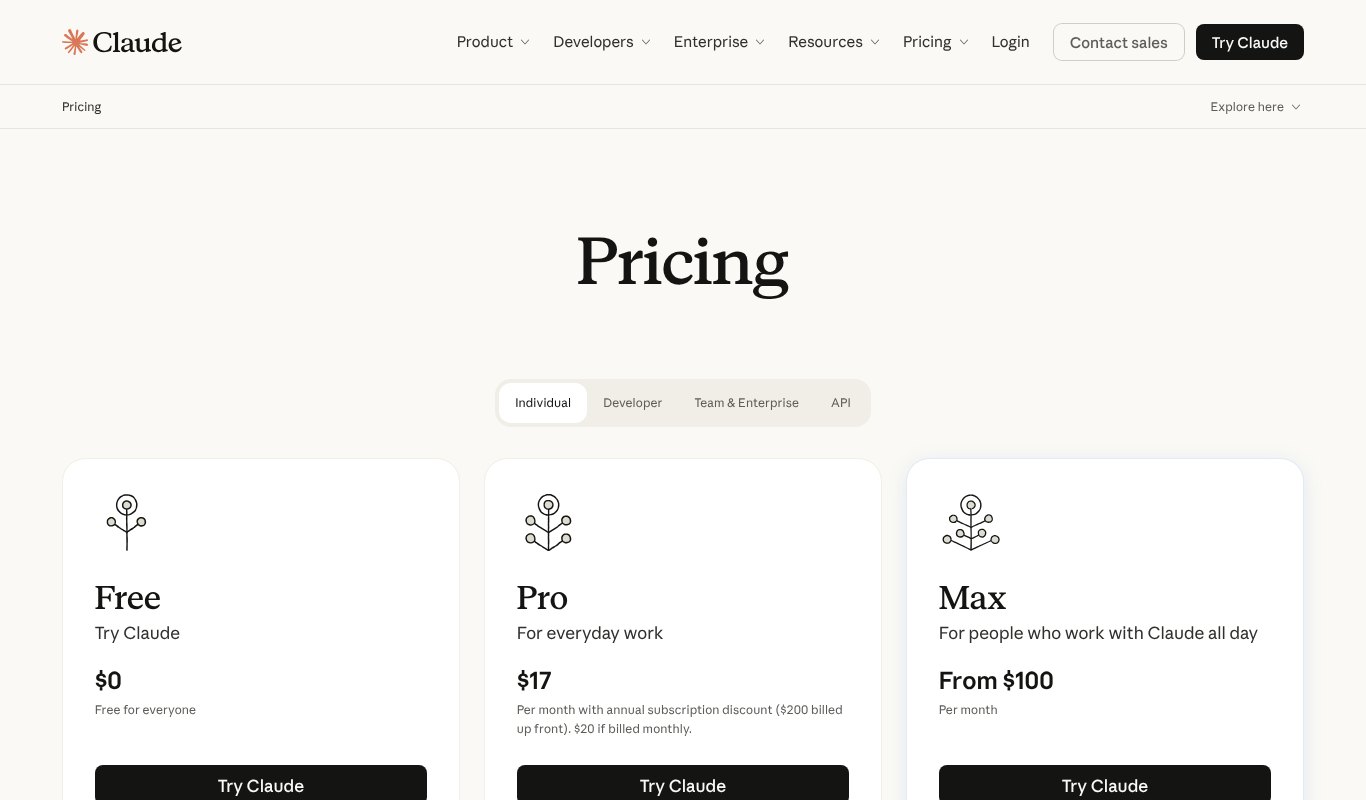
Claude, made by Anthropic, is a favorite with developers, and Claude Code is a big reason why.
Claude Code is an agent that works in your terminal, in VS Code and JetBrains, in a desktop app and on the web. It reads your codebase, edits files, runs commands and handles big multi-step jobs. The latest models, Opus 5.5 and Sonnet 5.5, are among the strongest coding models you can use right now.
Pricing
Free plan for chat. Pro is $20 a month, or $17 a month paid yearly, and includes Claude Code. Max plans start at $100 a month for heavy users.
Pros
- Excellent at understanding large codebases
- Claude Code handles long, multi-step tasks well
- Works in the terminal, IDE, desktop and browser
Cons
- Heavy coding days can hit Pro usage limits
- Only Claude models
3. GitHub Copilot
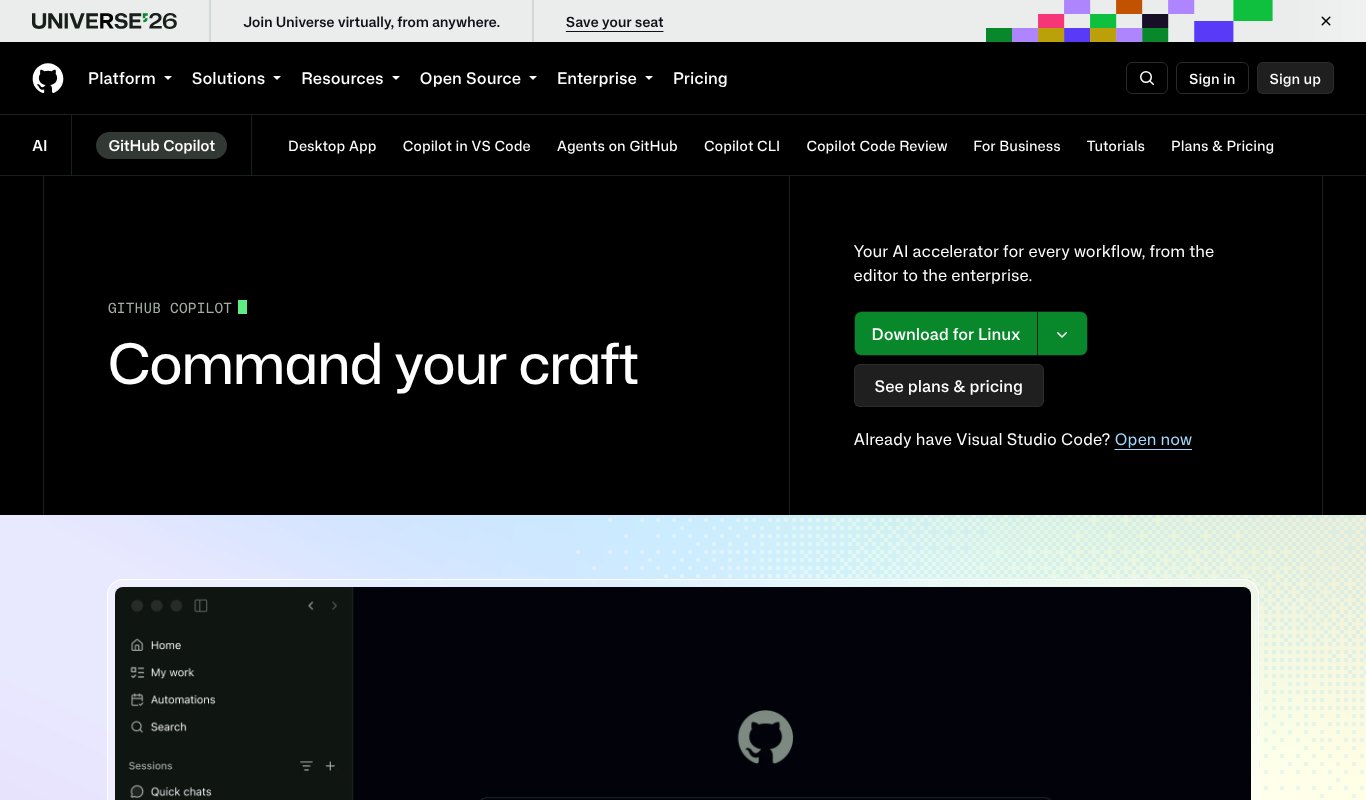
GitHub Copilot is the most widely used AI coding tool, and it's grown far beyond autocomplete.
It now has an agent mode in your editor, a command line tool, and a coding agent that picks up a GitHub issue and opens a pull request for you to review. Higher plans even let you hand work to other agents, like Claude and Codex, right from GitHub.
Pricing
Free plan with 2,000 code suggestions a month. Pro is $10 a month, Pro+ is $39 and Max is $100.
Pros
- Built right into GitHub, VS Code and other editors
- Generous free plan
- Great value at $10 a month
Cons
- Premium models and agent work use limited requests
- Works best if your code already lives on GitHub
4. Cursor
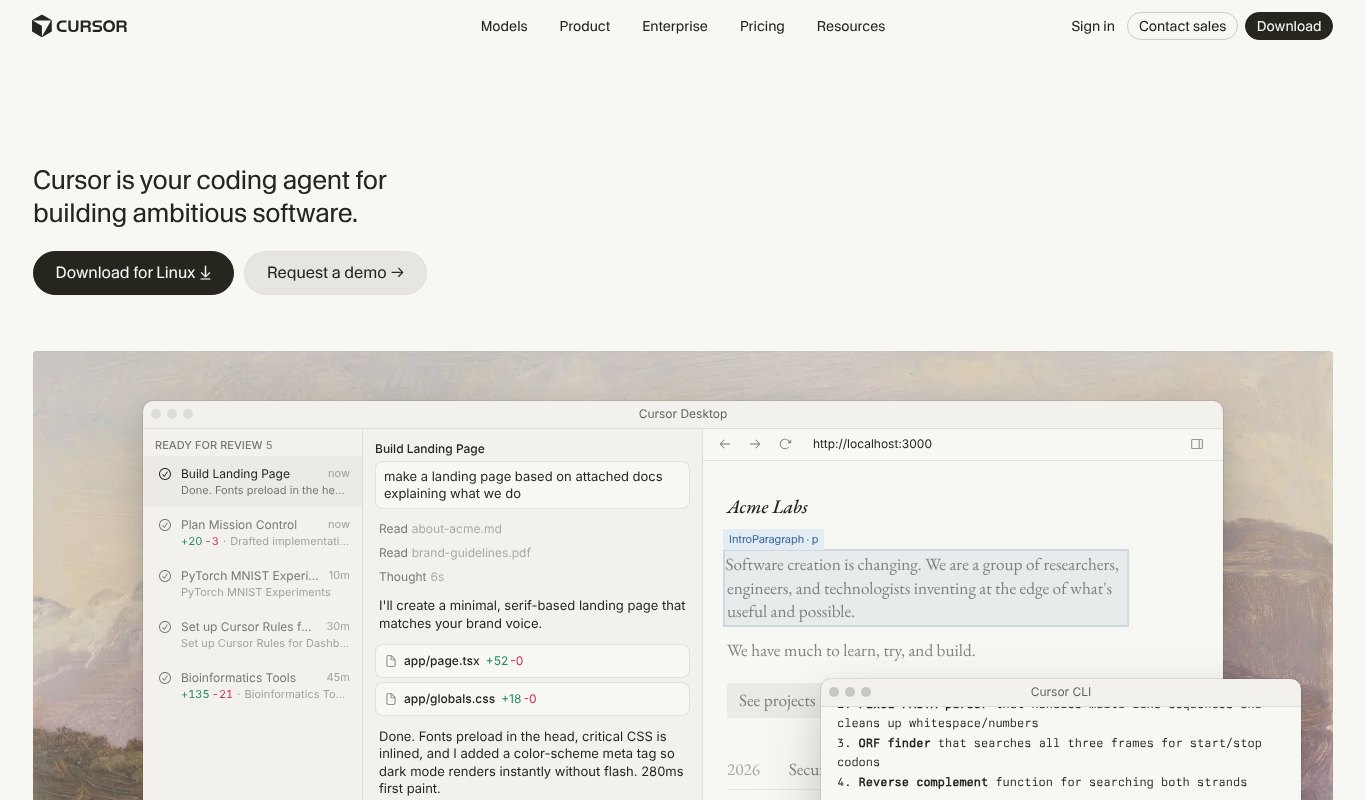
Cursor is a code editor built around AI from the ground up. It looks and feels like VS Code, so switching is easy.
Its tab completion predicts your next edit, not just your next word. Its agent can plan and make changes across many files, and you can run several agents in the background. Cursor is now part of SpaceX and xAI, and its plans have been reshaped around that.
Pricing
Free plan. Plus is $8 a month with Grok models. Premium is $30 a month and adds other top models at API prices. Super is $100.
Pros
- Fast, smart tab completion
- Feels familiar to VS Code users
- Strong multi-file agent
Cons
- The cheapest plan only includes Grok models
- Plans have changed often, so check the details before you commit
5. Google Antigravity
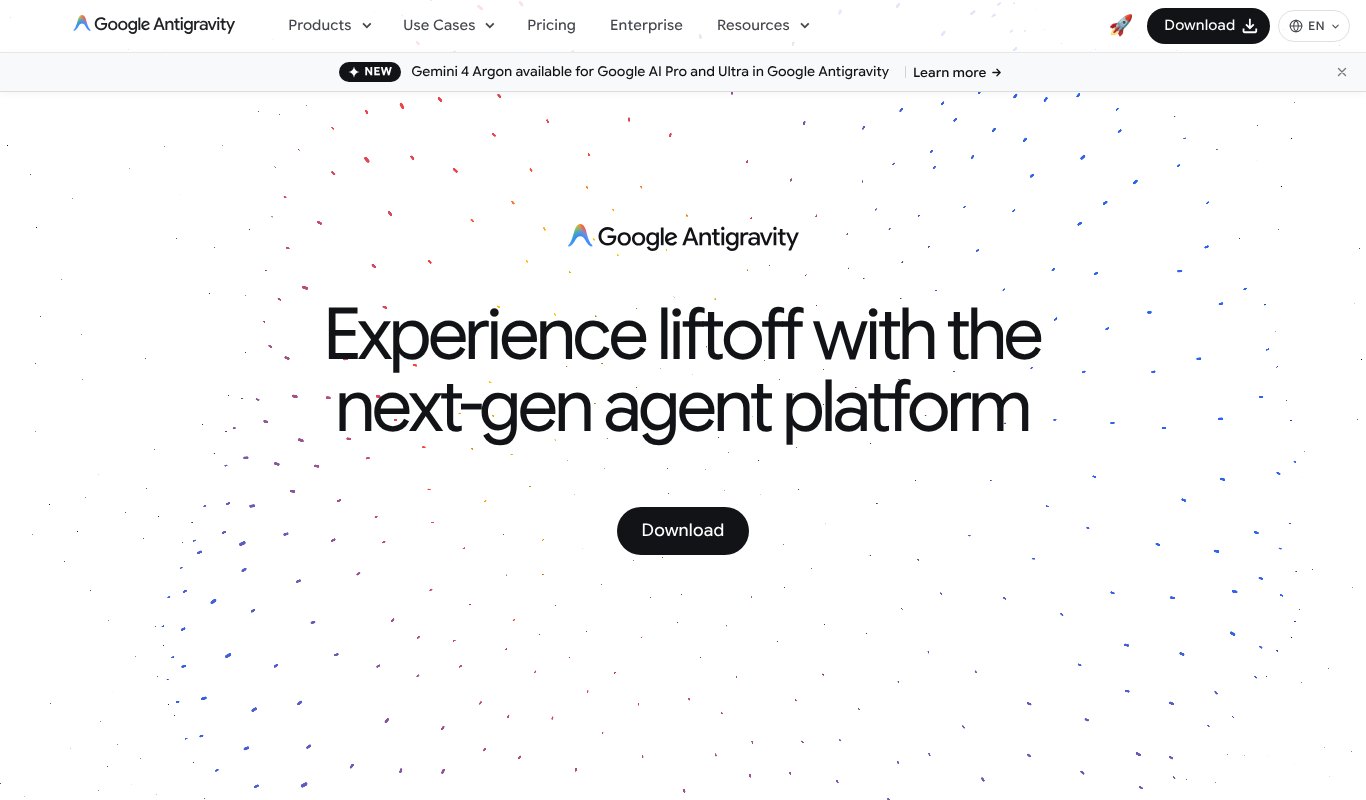
Antigravity is Google's agent-first coding app.
Instead of one assistant, you get a manager view where several agents work on different tasks at the same time. They can use the editor, the terminal and a built-in browser to test what they build, then show you screenshots and recordings of their work.
Pricing
Free for individuals with a weekly agent limit. Higher limits come with Google AI Pro at $19.99 a month, with Ultra plans above that.
Pros
- Run several agents in parallel
- Agents test their own work in a browser
- Generous free tier
Cons
- Managing many agents takes some getting used to
- Weekly limits can run out on big projects
6. Devin
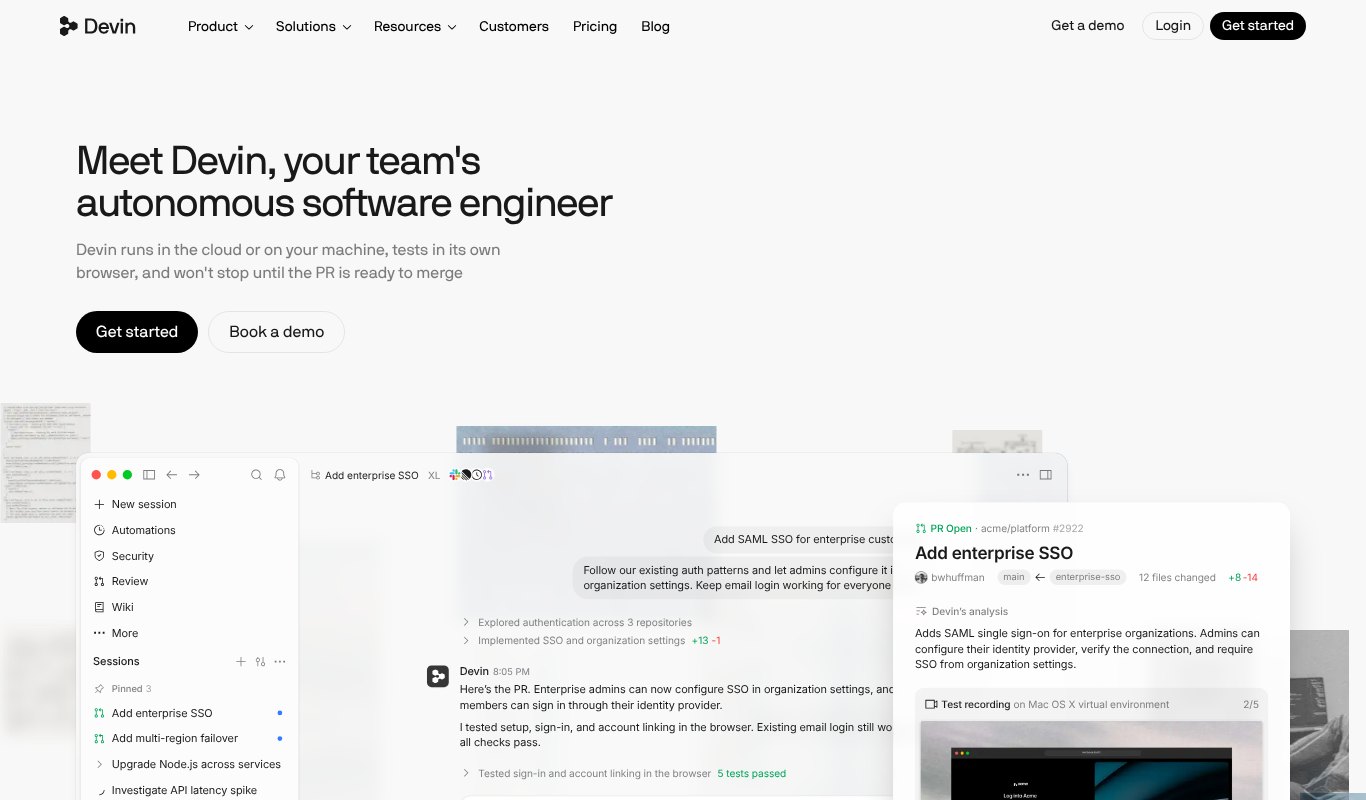
Devin, from Cognition, is built for handing off real work.
You give it a task, like fixing a bug or adding a feature, and Devin works on it in the cloud with its own editor, terminal and browser. It also comes with a full AI code editor and Cognition's fast SWE models for when you want to code side by side.
Pricing
Free plan. Pro is $20 a month and Max is $200.
Pros
- Great for delegating whole tasks
- Cloud agents keep working while your laptop is closed
- Editor and agent in one subscription
Cons
- Big tasks still need careful review
- Heavy agent use pushes you toward the pricier plan
7. Kiro
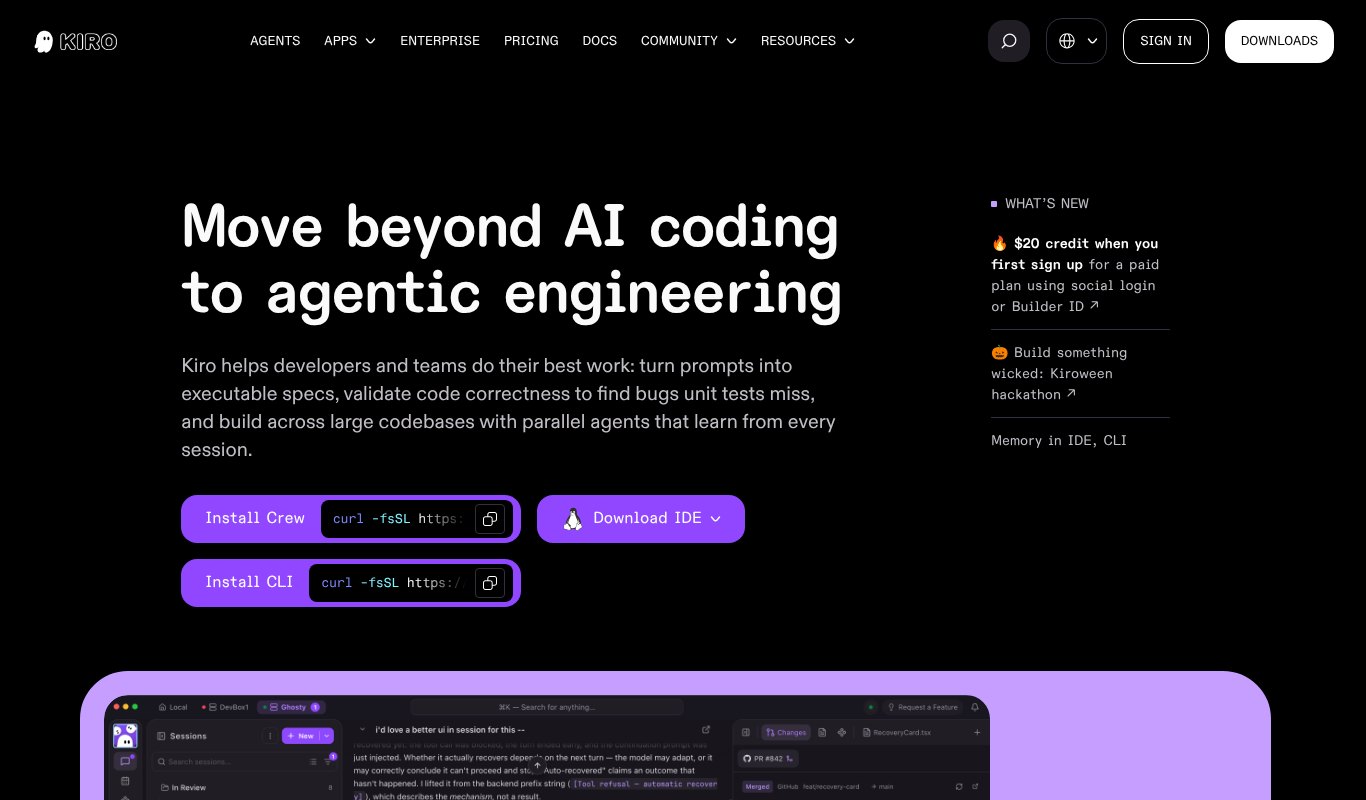
Kiro, from AWS, takes a different approach. Plan first, then code.
You describe what you want, and Kiro writes a spec with requirements, a design and a task list. Once you agree, its agents build it step by step. Hooks can also run tasks automatically, like updating tests whenever you save a file.
Pricing
Free plan with 50 credits. Pro is $20 a month for 1,000 credits, with Pro+ at $40 and bigger plans up to $200.
Pros
- Specs keep big projects organized
- Less "vibe coding" chaos
- Hooks automate boring chores
Cons
- The spec step feels slow for small fixes
- Credit-based pricing takes some tracking
8. Replit
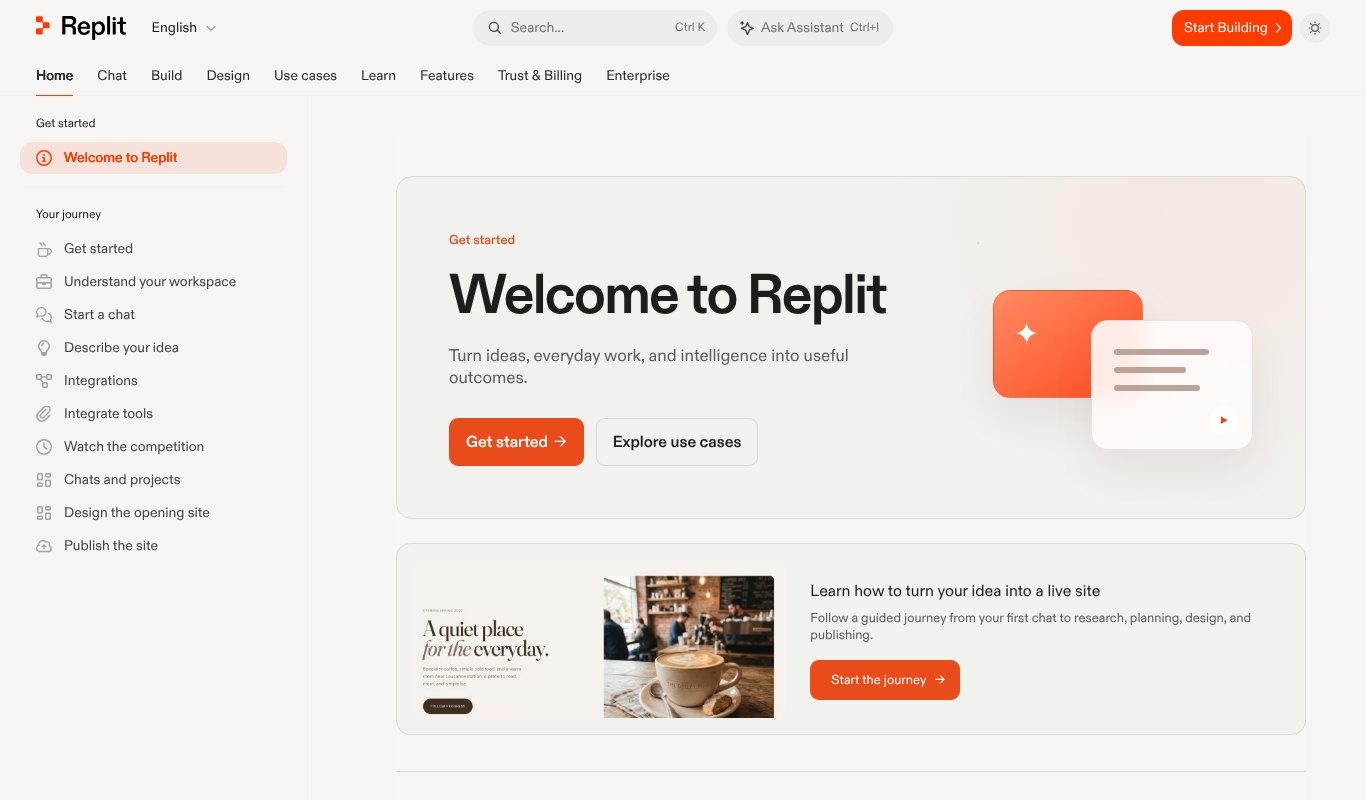
Replit lets you build, run and host apps entirely in your browser. No setup at all.
Its Agent turns a plain-English idea into a working app, sets up the database, tests it in a browser, and publishes it with a click. It's popular with founders, students and anyone who wants a working prototype fast.
Pricing
Free plan. Core is $20 a month, or $18 paid yearly. Pro is $100 a month.
Pros
- Everything from idea to live app in one place
- Nothing to install
- Agent tests its own work
Cons
- Usage costs can grow on big projects
- Less control than a local setup
9. Lovable
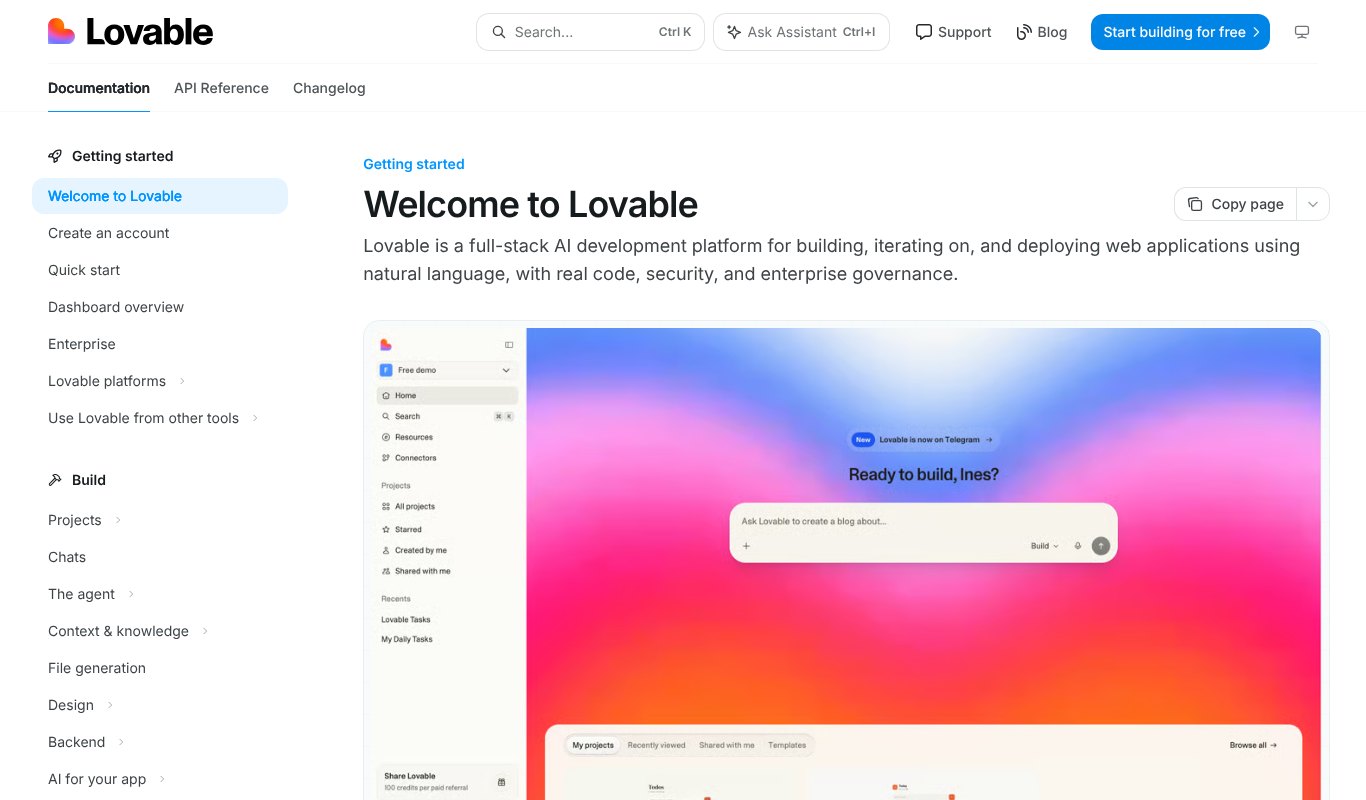
Lovable is made for people who don't want to write code at all.
Describe your app in a chat, and Lovable builds a full web app with a nice design, a backend and sign-in. You can keep chatting to change it, then publish it or sync the real code to GitHub.
Pricing
Free plan with 5 credits a day. Pro is $25 a month for 100 credits.
Pros
- Beautiful apps with no coding
- Real code you can take with you
- Great for MVPs and internal tools
Cons
- Credits go fast when you make lots of changes
- Complex apps still need a developer
10. Cline
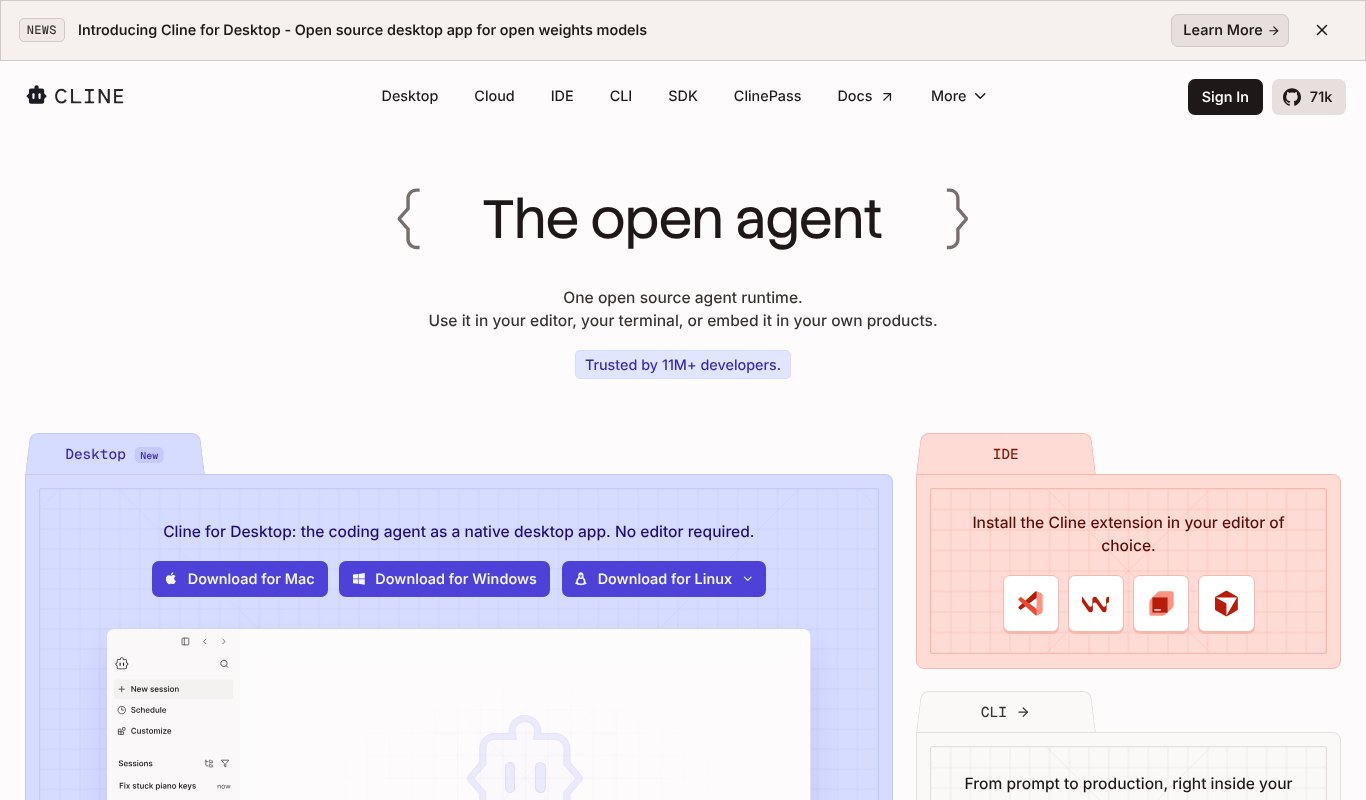
Cline is a free, open source coding agent for developers who want full control.
It runs in VS Code, in your terminal or as a desktop app. You bring your own API key, pick any model you like, and approve each step. Nothing is hidden, and you only pay the model provider for what you use.
Pricing
Free. You pay only for the AI model you connect, at the provider's price.
Pros
- Open source and transparent
- Use any model, including local ones
- You approve every change
Cons
- Costs can surprise you on big tasks
- Needs a bit of setup
11. JetBrains Junie
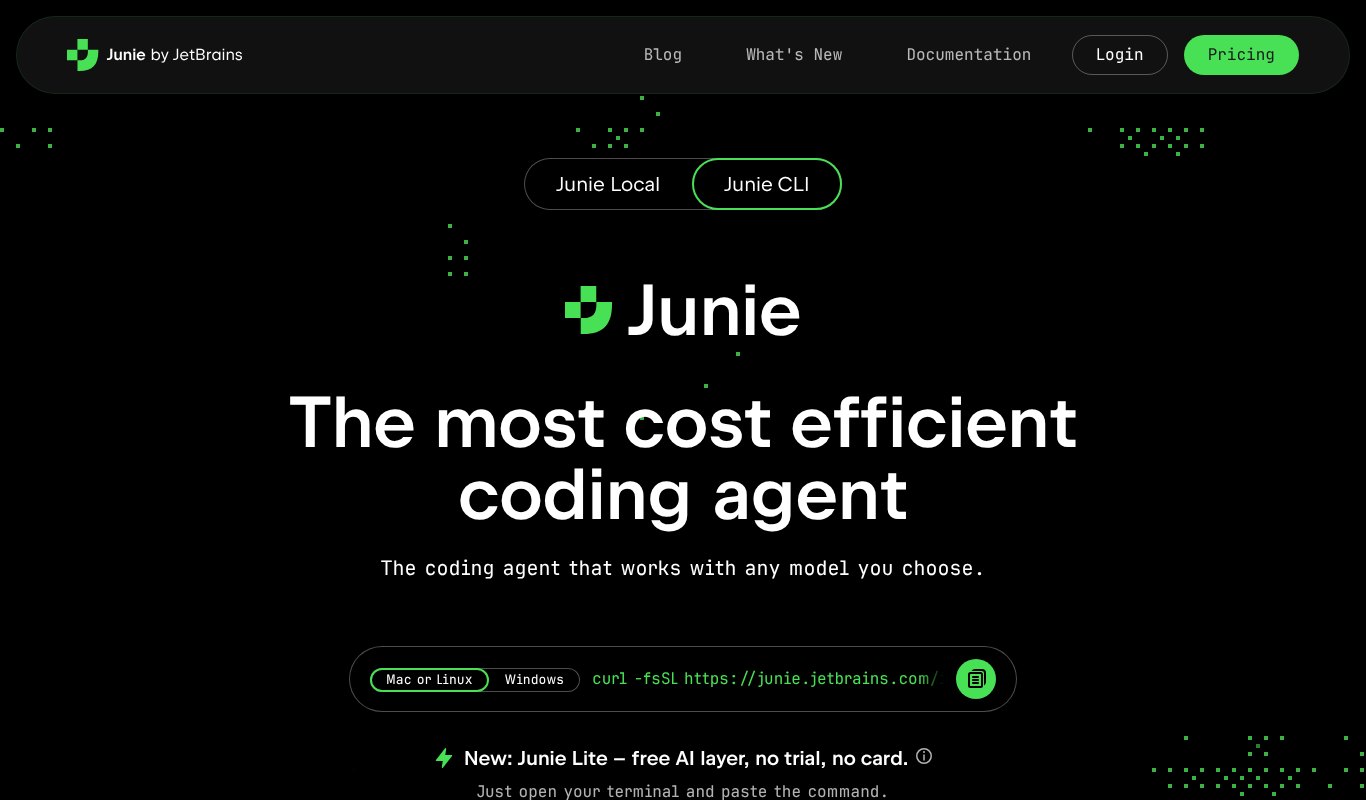
If you work in IntelliJ IDEA, PyCharm, WebStorm or another JetBrains IDE, Junie is the natural pick.
Junie is the JetBrains coding agent. It understands your project through the IDE's own deep code analysis, so it can plan changes, run your tests and refactor safely. It sits alongside JetBrains AI Assistant for chat and completion.
Pricing
Junie Lite is free. AI Pro is $10 a month and includes Junie. AI Ultimate is $30 a month.
Pros
- Deep understanding of your code through the IDE
- Fits right into the JetBrains workflow
- Affordable
Cons
- Only for JetBrains IDEs
- Quotas can be tight on the cheaper plan
Price Comparison at a Glance
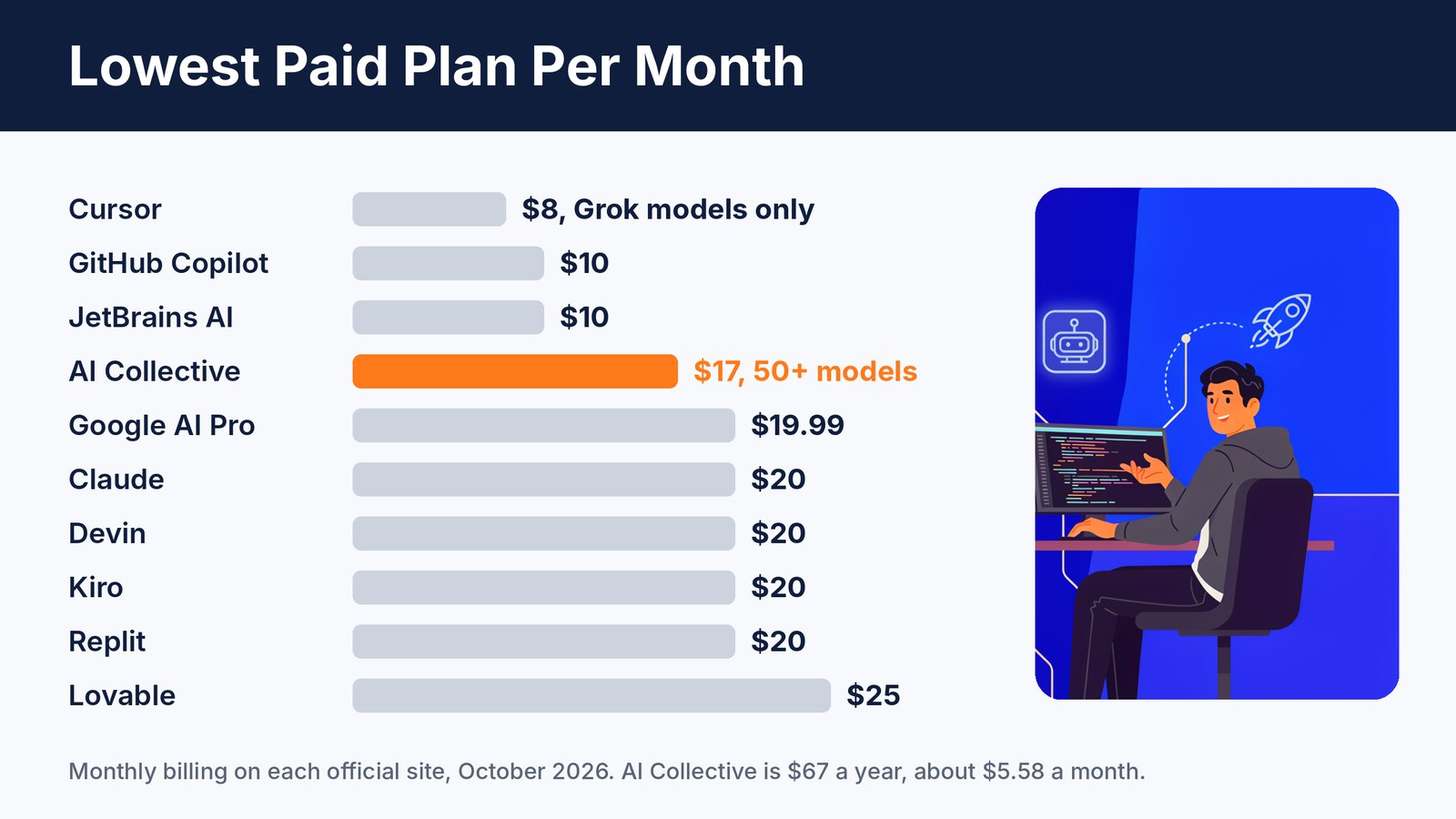
Most AI coding tools cost $10 to $25 a month. Paying yearly usually saves you more, and AI Collective's yearly plan works out to just $5.58 a month.
Remember that limits matter as much as price. A cheap plan with a tiny quota can cost more in the end.
7 Tips to Get Better Code From AI
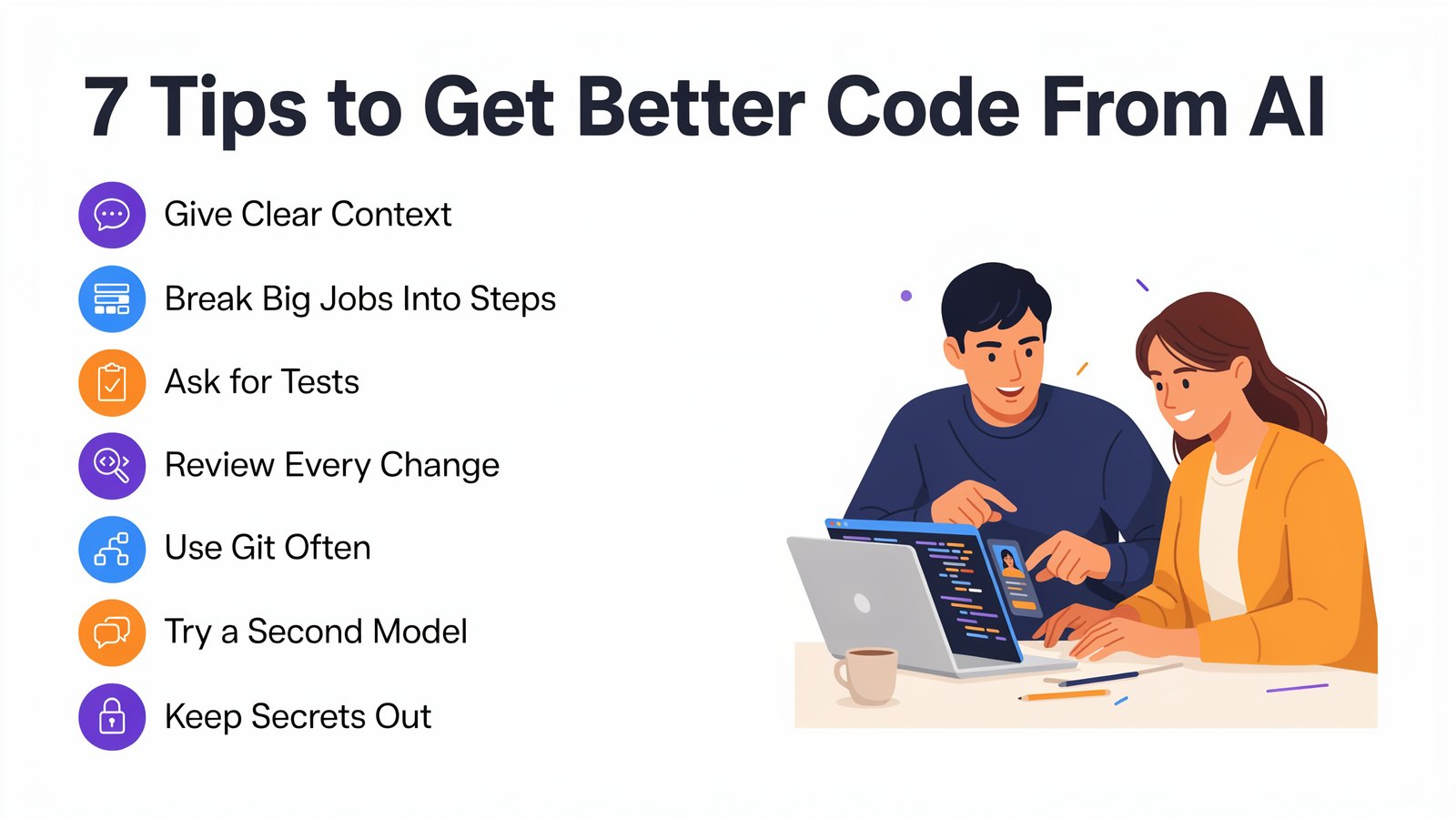
The tool matters. But how you use it matters more.
- Give clear context. Tell the AI what the code is for, which libraries you use and what "done" looks like.
- Break big jobs into steps. One feature at a time beats "build me the whole app".
- Ask for tests. Tests prove the code works and catch mistakes early.
- Review every change. AI is fast, but it can be confidently wrong.
- Use Git often. Commit before each big AI change, so you can always roll back.
- Try a second model. When one model gets stuck, another often sees the problem right away.
- Keep secrets out. Never paste passwords, API keys or private customer data into a prompt.
Frequently Asked Questions
What is the best ChatGPT alternative for coding?
It depends on how you work. Claude Code is great for big agentic tasks, GitHub Copilot is the easiest pick for GitHub users, and Cursor is a strong AI editor. And if you want many top AI models in one app for one low price, AI Collective gives you 50+ of them.
Is there a free AI coding tool?
Yes. GitHub Copilot, Cursor, Google Antigravity, Kiro, Replit, Lovable and Junie Lite all have free plans. Cline is free too, but you pay for the AI model you connect.
Can AI replace programmers?
No. AI writes code fast, but people still decide what to build, check that it's right and keep it secure. Developers who use AI well simply get a lot more done.
Is it safe to use AI with my company's code?
Usually, if you choose a business plan and check its privacy settings. Look for plans that don't train on your code, and follow your company's rules.
Final Thoughts
There's never been a better time to code with AI.
Agents can now build whole features, and the best models get better every few months. The trick is not to marry one model. Try a few, and use the right one for each job.
That's exactly what AI Collective is built for. Get 50+ top AI models in one place, for less than one subscription.