
Everyone is making content with AI now.
But most of it sounds the same. Bland intros. Generic tips. Posts that nobody remembers.
The good news? A few simple habits make a huge difference. Here are 10 best practices for using generative AI to create content that sounds human, stands out and gets real results in 2026.
What Is Generative AI for Content Creation?
Generative AI creates new content from a simple instruction, called a prompt.
Ask for a blog post, and it writes one. Ask for an image of a cozy café, and it draws one. It can also make videos, voiceovers, music, slides and more.
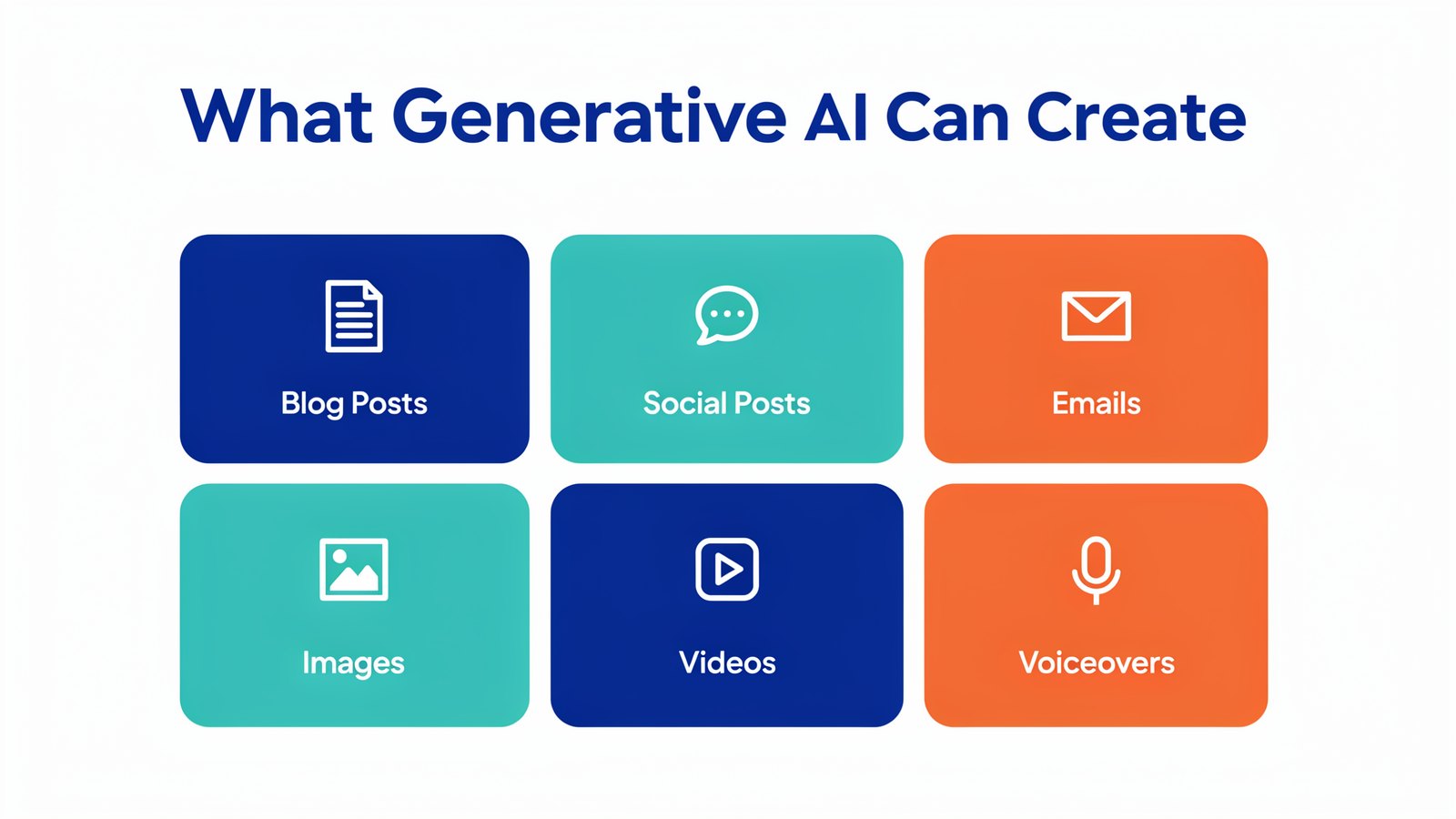
For businesses, that means more content, made faster, for a lot less money.
But speed alone isn't the goal. Great content still needs a clear message, a real voice and a reason for people to care.
What's New in 2026
Generative AI took big steps forward this year.
- Smarter writing models. GPT 6, Claude Opus 5.5 and Gemini 4 Argon write with far more nuance than older models.
- Stunning images. New image models handle text, faces and products much better.
- AI video with sound. Tools can now turn a script into a short video with voices and music.
- AI agents. Some tools can research, write, design and schedule content almost on their own.
- Multi-AI apps. Instead of one AI, creators use several, each for what it does best.
The tools are better than ever. Now it's all about how you use them.
10 Best Practices for Creating Content With AI
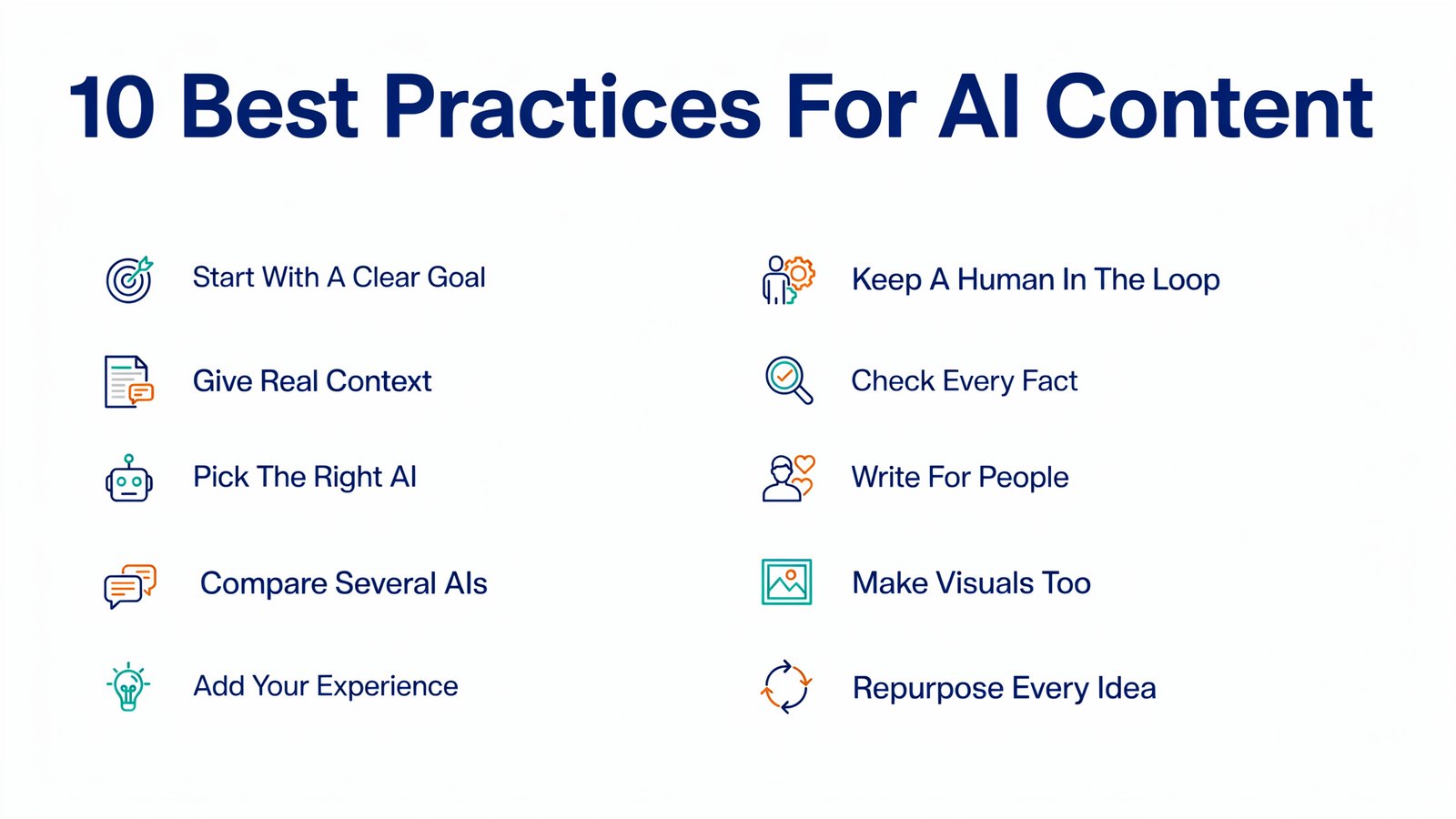
1. Start With a Clear Goal
Before you open any AI tool, decide what the content should do.
Get sign-ups? Answer a common question? Sell a product? A clear goal leads to a clear prompt, and a clear prompt leads to much better content.
Here's a quick test. Can you finish this sentence in one line? "After reading this, my reader will..." If you can, you're ready to write. If you can't, the AI won't know either, and you'll get something long and vague.
Write the goal at the top of your prompt. It keeps every draft pointed in the same direction.
2. Give the AI Real Context
AI only knows what you tell it.
Share who your audience is, what they care about, your brand voice, the length you want and an example you like. Five extra lines in your prompt can turn generic content into something that sounds like you.
Think of it like briefing a new freelancer. You wouldn't just say "write a post about shoes." You'd tell them it's for busy runners over 40, that your brand is friendly and a little funny, and that the post should end with a link to your new trail shoe.
Save your best briefs and reuse them. Most AI apps let you keep your brand voice, audience notes and examples ready to paste in, so every new piece starts from a strong base.
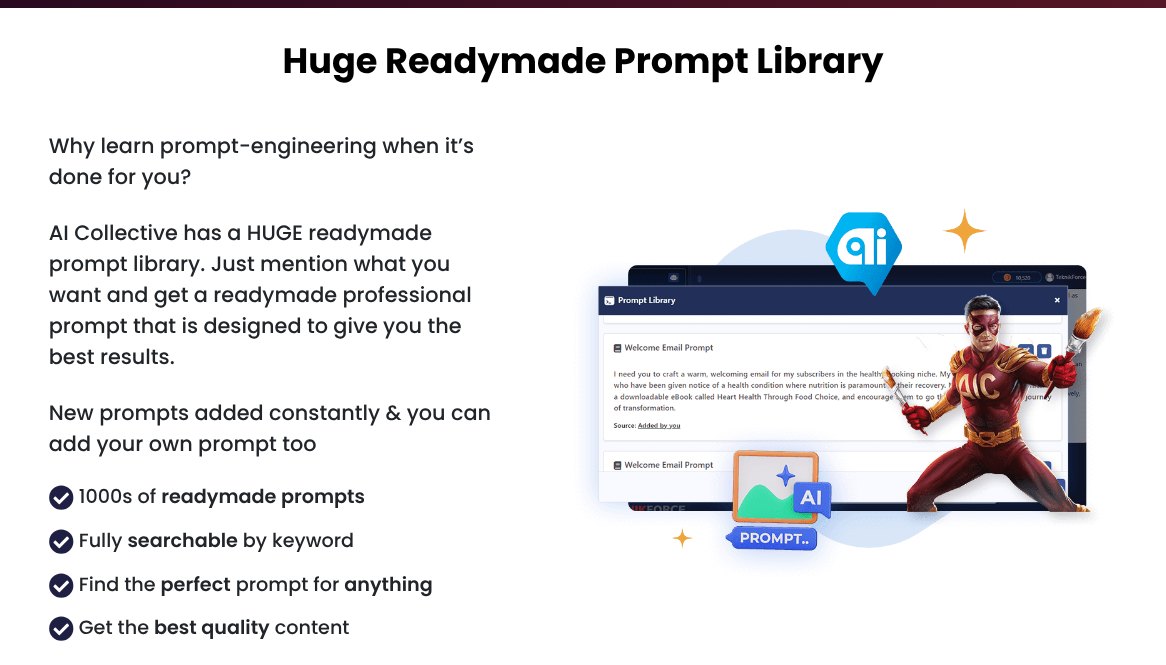
Not sure what to write? A ready-made prompt library, like the one in AI Collective, gives you proven prompts for blogs, emails, ads and more.
3. Use the Right AI for Each Job
No single AI is best at everything.
One model might be great at catchy headlines. Another writes warmer long-form posts. A third is better at facts and data. And image models each have their own style.
That's why more creators use multi-AI apps. With AI Collective, you get 50+ AI models in one place, so you can pick the best one for each task without paying for many subscriptions.
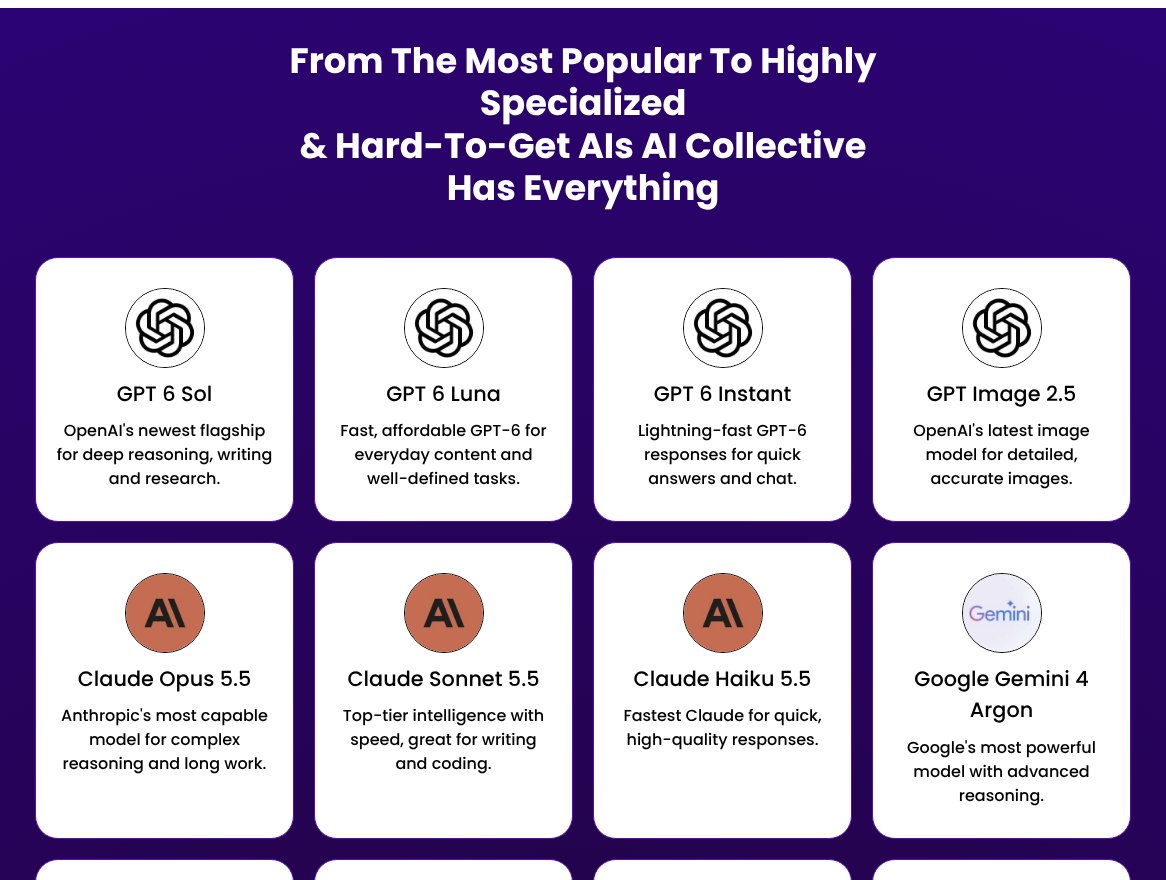
4. Compare Answers From Several AIs
Ask two or three AIs the same thing, and you'll be surprised how different the answers are.
Pick the best intro from one and the best structure from another. It's like having a team of writers brainstorming with you.
This works for headlines too. Ask three AIs for 10 headlines each, and you'll have 30 options in a minute. Usually two or three stand out right away.
In AI Collective you can ask several models side by side and even feed one AI's answer into another, so it takes seconds instead of jumping between tabs.
5. Add Your Own Experience
This is the most important step.
AI knows what's on the internet. It doesn't know your customer stories, your mistakes, your results or your opinions. Add them. Real examples are what make readers trust you, and they're what search engines reward too.
A good habit is to jot down quick notes before you prompt. A customer question you got this week. A number from your own results. A lesson you learned the hard way.
Then ask the AI to build the post around those notes. The structure comes from AI, but the heart of the piece comes from you.
6. Keep a Human in the Loop
Never publish AI content without reading it.
Check that it's accurate, sounds like you and actually says something useful. Cut the filler. Fix the bland parts. A quick human edit is the difference between OK content and great content.
Read it out loud. If a sentence sounds like something nobody would ever say, rewrite it. Cut any line that starts with phrases like "in today's fast-paced world."
7. Fact-Check Everything
AI can sound very confident and still be wrong.
Check names, numbers, dates, prices and quotes. Use tools that show their sources, and open those sources. One wrong fact can hurt your credibility for a long time.
Be extra careful with anything that changes often, like prices, laws, product features and statistics. AI models learn from data that can be months old, so a quick search before you publish is always worth it.
8. Write for People, Not Just Search Engines
Search engines and AI answer engines now reward helpful, original content.
Answer real questions clearly. Use simple words. Add examples, images and short paragraphs. If a reader finds it useful, search engines usually will too.
This matters even more now that people get answers from AI search tools. These tools like to quote content that gives a clear, direct answer near the top. So answer the main question early, then go deeper.
Add short FAQs, clear headings and simple tables where they help. They make your content easier to scan for people and easier to quote for AI.
9. Make Visuals With AI Too
Posts with images get more attention. And AI makes visuals easy.
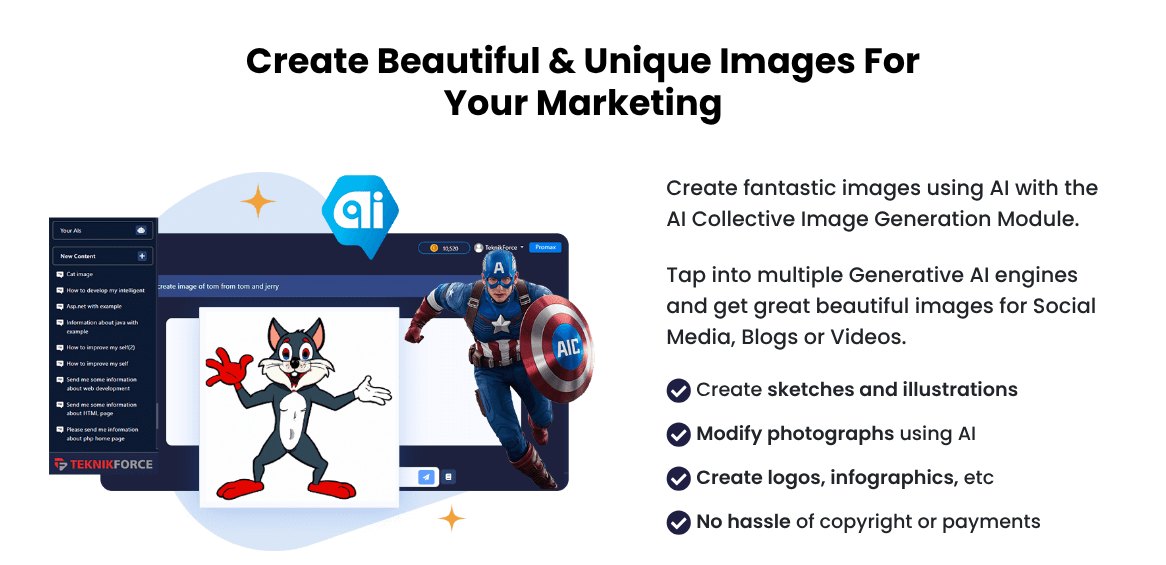
Create blog headers, social graphics, infographics and illustrations in minutes. Keep a consistent style so your brand is easy to recognize.
Pick two or three brand colors and a simple style, like flat illustration or clean photos. Mention them in every image prompt. After a few weeks, people will start to recognize your posts before they even see your name.
10. Repurpose One Idea Into Many
One good idea can become ten pieces of content.
Turn a blog post into a LinkedIn post, a thread, an email, a short video script and a carousel. AI makes this fast, so you get more reach from every idea.
Each platform has its own style, so don't just copy and paste. Ask the AI to rewrite for each one. Short and punchy for X. A personal story for LinkedIn. A clear subject line and one call to action for email.
Start with your best-performing content. If a blog post already gets traffic, it's a great candidate for a video, a carousel or a short email series.
A Simple AI Content Workflow
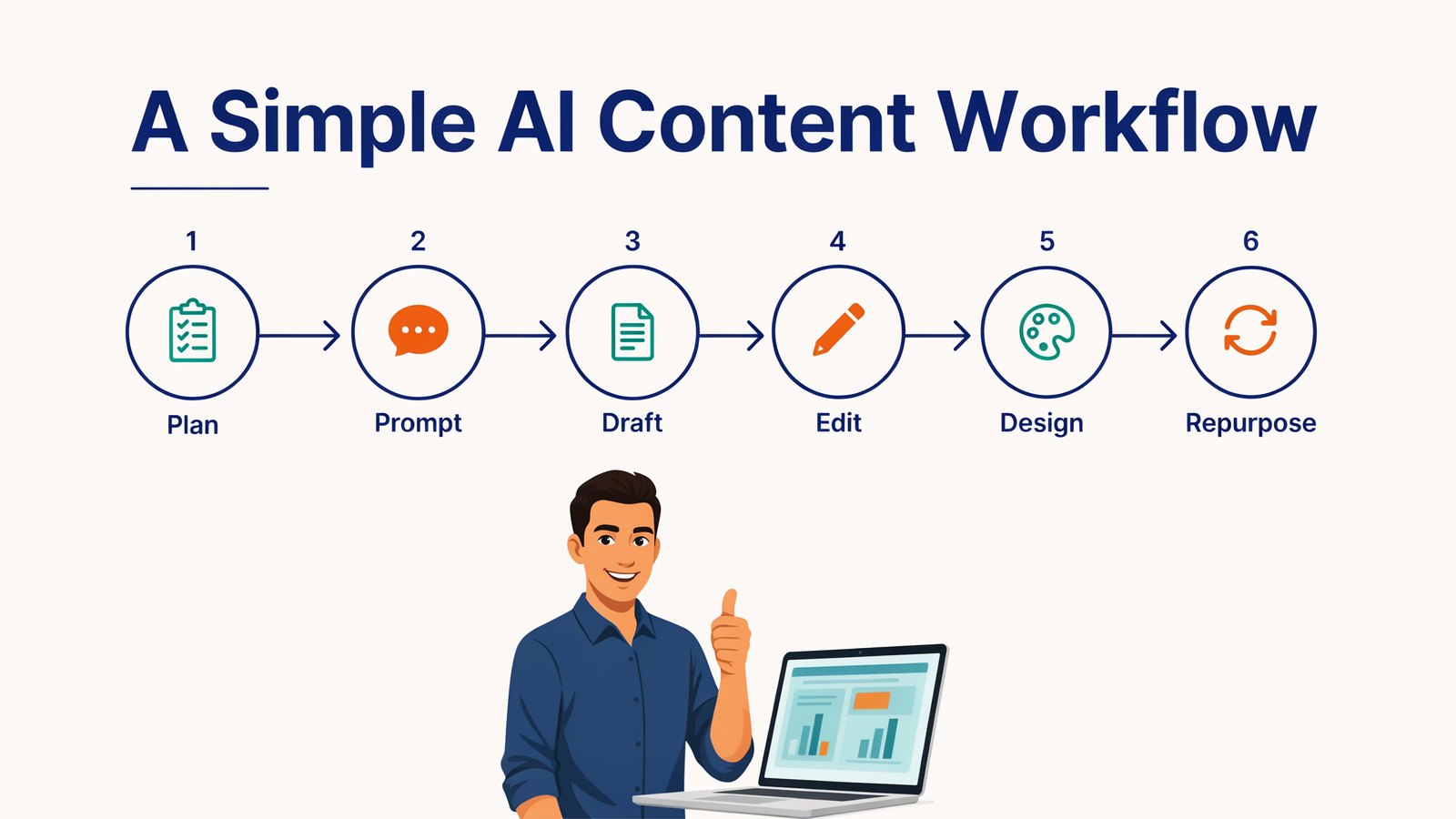
Here's an easy process you can use every week.
- Plan. Pick a topic your audience cares about and one clear goal.
- Prompt. Give the AI context, examples and the format you want.
- Draft. Generate a first draft, ideally with two or three AIs to compare.
- Edit. Add your stories, check facts and make it sound like you.
- Design. Create images or a short video to go with it.
- Repurpose. Turn it into social posts, an email and more.
Do this once a week, and you'll have a steady stream of quality content.
Best AI Tools for Each Type of Content
Here's a quick guide to the tools creators use most.
| Content type | Good tools | Tip |
|---|---|---|
| Everything in one place | AI Collective | 50+ AI models for writing, research and images |
| Blog posts | Claude, ChatGPT, Gemini | Outline first, then write section by section |
| Social posts | ChatGPT, Grok | Ask for 10 hooks and pick the best |
| Emails | Claude, ChatGPT | Share a past email that worked |
| Images | GPT Image, Nano Banana, Flux | Describe light, style and mood |
| Video | Veo, Kling, Runway | Start with a short, clear script |
| Research | Perplexity, Gemini Deep Research | Always open the sources |
Prompts You Can Copy and Use Today
Here are a few simple prompts to get you started. Swap in your own topic and audience.
- Blog outline. "Create an outline for a blog post about [topic] for [audience]. Include 6 to 8 sections, a short intro and an FAQ."
- Hooks. "Write 10 opening lines for a LinkedIn post about [topic]. Make them short, curious and human."
- Email. "Turn this blog post into a friendly 150-word email with one clear call to action."
- Repurpose. "Turn this article into a 5-slide carousel. One idea per slide, under 20 words each."
- Edit. "Rewrite this draft to sound warmer and simpler. Remove filler and keep my examples."
- Image. "A clean flat illustration of [scene], in navy and orange, bright and friendly, no text."
Try the same prompt with two or three different AIs and keep the best result. You'll quickly learn which model you like for each kind of task.
Common Mistakes to Avoid
- Publishing raw AI output. It shows, and readers notice.
- Using vague prompts. "Write a blog post about marketing" gets you generic content.
- Skipping fact checks. Wrong facts cost trust.
- Sounding like everyone else. Add your voice and your stories.
- Chasing volume over value. Ten great posts beat a hundred forgettable ones.
- Relying on one AI. Different models give different strengths.
Where AI Content Is Heading
The future of content is exciting.
AI agents will plan and produce whole campaigns. Video will be as easy to make as a blog post. And content will be tailored to each reader, in their language, at the right moment.
But one thing won't change. The creators who win will be the ones who combine AI's speed with real human insight.
Frequently Asked Questions
Is AI-generated content good for SEO?
Yes, if it's helpful and original. Search engines reward quality, not how content was made. Add real experience, check facts and edit well.
Which AI is best for content creation?
Different AIs are best at different things. Claude is great for long-form writing, ChatGPT for ideas and hooks, and Gemini for research. A multi-AI app like AI Collective lets you use all of them in one place.
Will AI replace content creators?
No. It replaces the slow, boring parts. Creators who use AI well can produce more, test more and focus on the ideas and stories only they can tell.
Do I need to say content was made with AI?
It depends on the platform and your industry. Some social and ad platforms ask for AI labels on realistic images and video. Being open with your audience usually builds trust.
How much does it cost to use AI for content?
It can be very cheap. Many tools have free plans, and most paid plans cost around $20 a month each. If you want several top models, a multi-AI app like AI Collective gives you 50+ of them for $17 a month or $67 a year.
How long should an AI-assisted blog post take?
With a good process, a solid 1,500-word post can take one to two hours instead of a full day. Most of that time should go into planning, adding your own insights and editing.
Final Thoughts
Generative AI is the biggest creative boost most businesses have ever had.
Use it to go faster, but keep your voice, your stories and your judgment at the center. That's how you create content people actually want to read.
Want the world's best AI models for writing, research and images, all in one place for one low price? Try AI Collective.